Microsoft Build Event 2022
Windows 365 + Windows 11 integration
Background:
Windows11 is a Microsoft operating system. Windows 365 is a cloud-based service that automatically creates a new type of Windows virtual machine (Cloud PCs) for the end users.
Problem:
As users navigate the challenges of hybrid work, how can Microsoft integrate Windows11 and Windows 365 together and help users seamlessly and quickly switch between local PC and the cloud PCs?
Role:
I was the lead product designer on the Windows 11 side, creating various design options, prototypes, partnering with Windows 365 designers in visualizing first run experience, final visual design and design specs.
User insights & opportunities
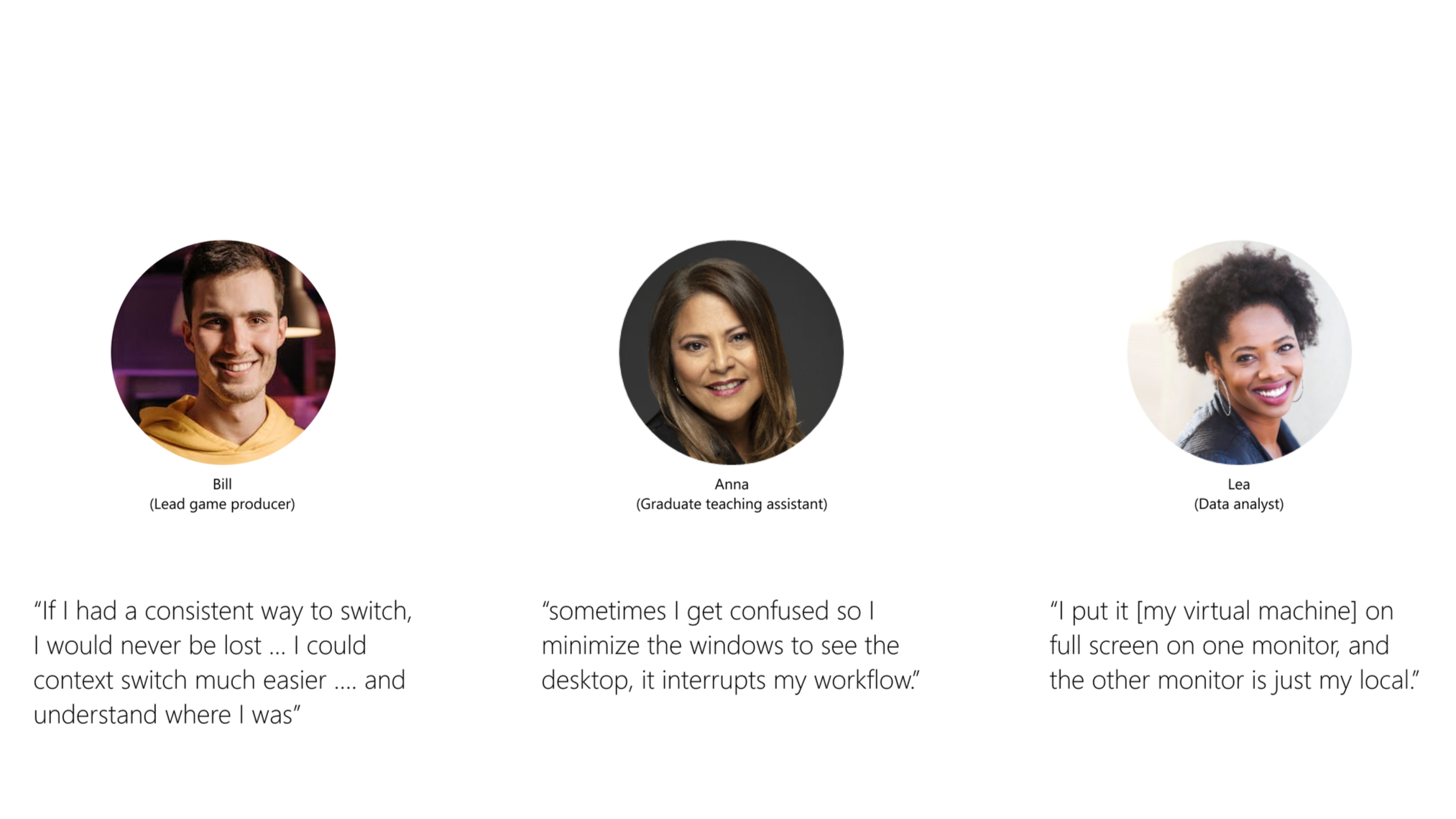
Leveraging initial user studies on most relevant use cases for Windows 365 across current and potential customers. Understand user behaviors, tendencies and seek opportunities to improve on existing work flow.
Concept explorations
Concept refinement & validation
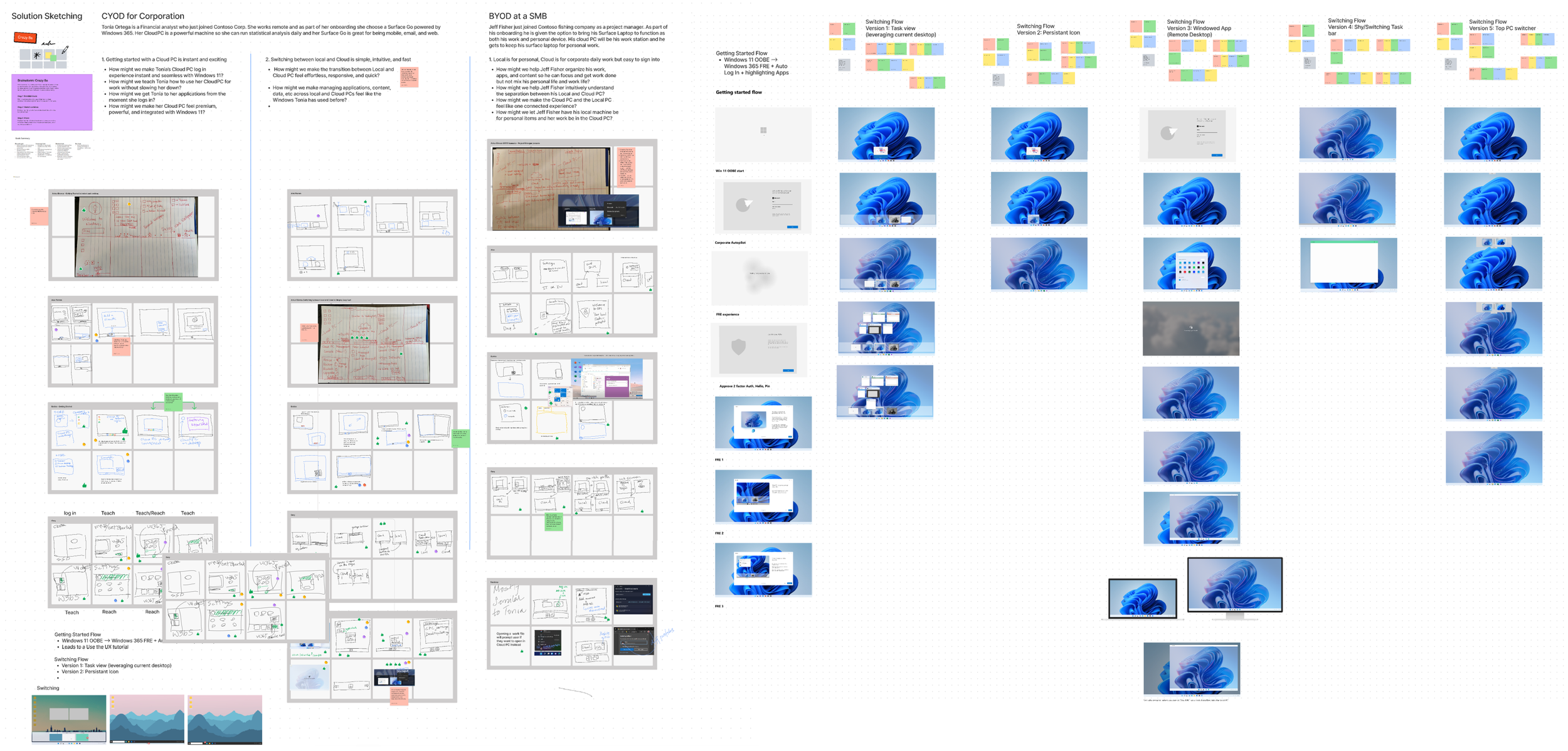
Through quick sketches, storyboards and wireframes, i have bucketed different switching concepts that are still familiar to the current Windows users. Leveraging existing paradigms and familiar mental models, I created multiple quick prototypes through Fiigma and ran useability tests with existing VM users.
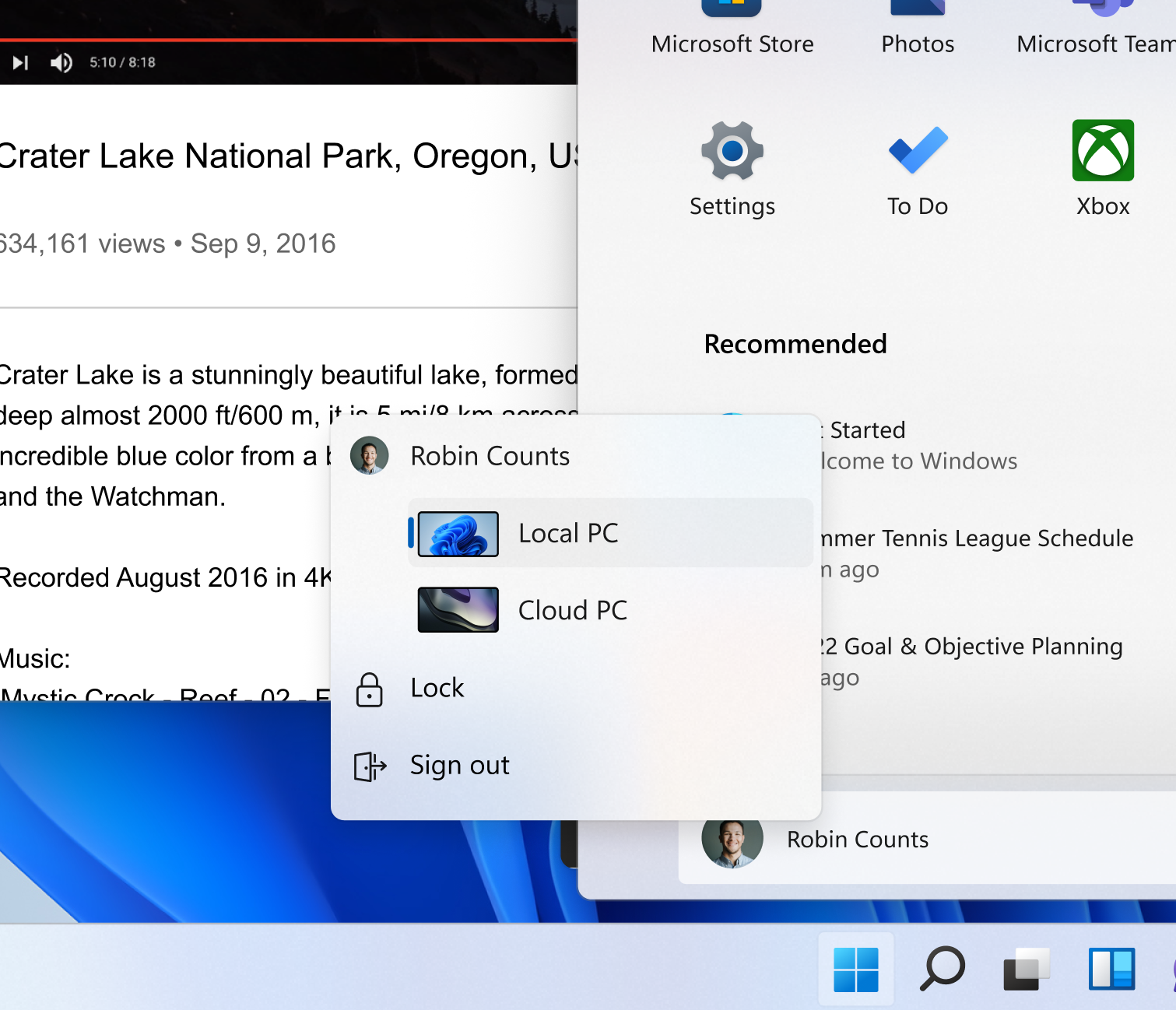
Concept 1: Account Switching
All devices/cloud PCs will be attached to the account. The user can switch environment via account profile in the Start menu
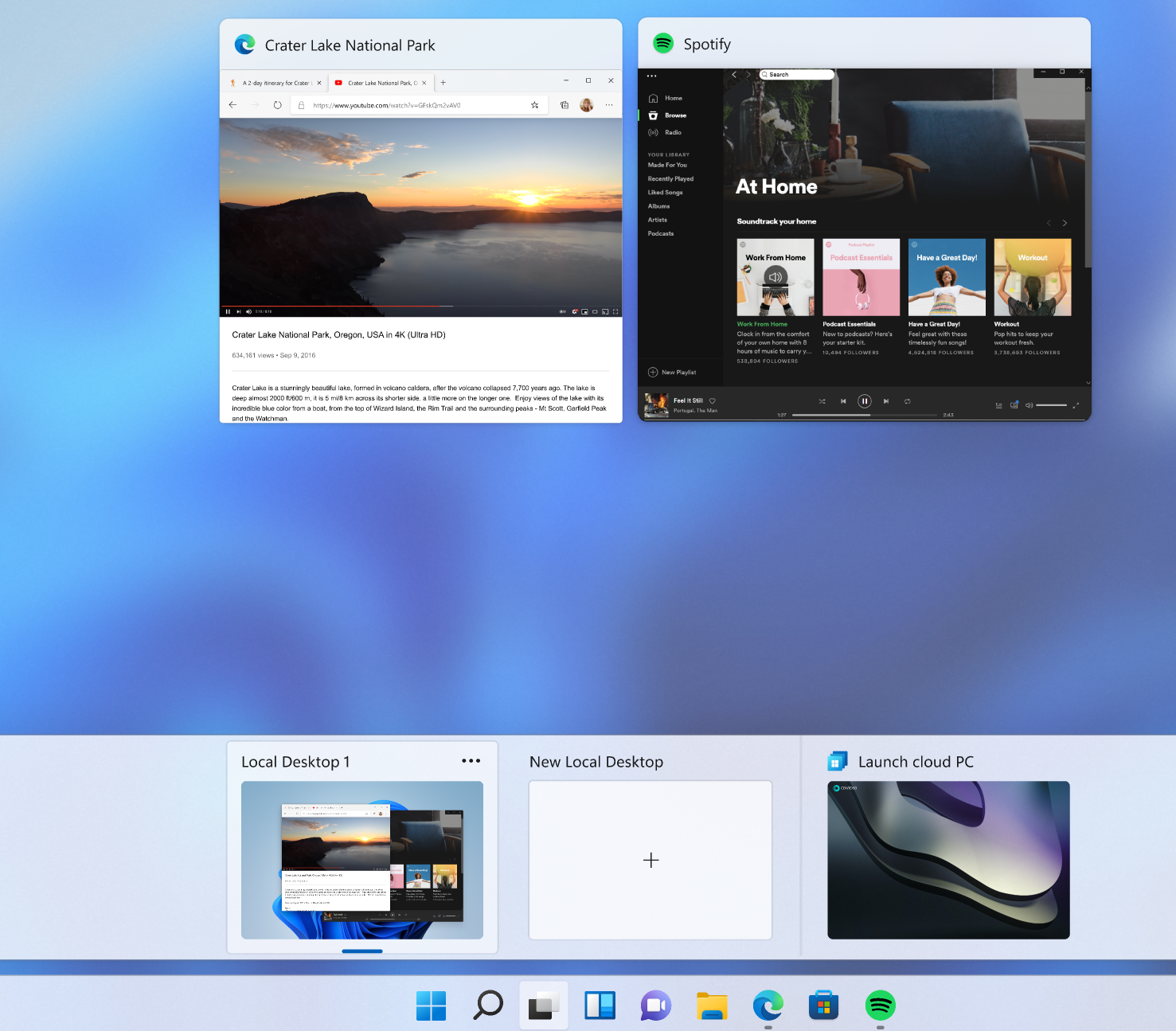
Concept 2: Desktop switching
Cloud PC and local PC are all shown within Task View like the virtual desktops today. User can switch environment via the Task view
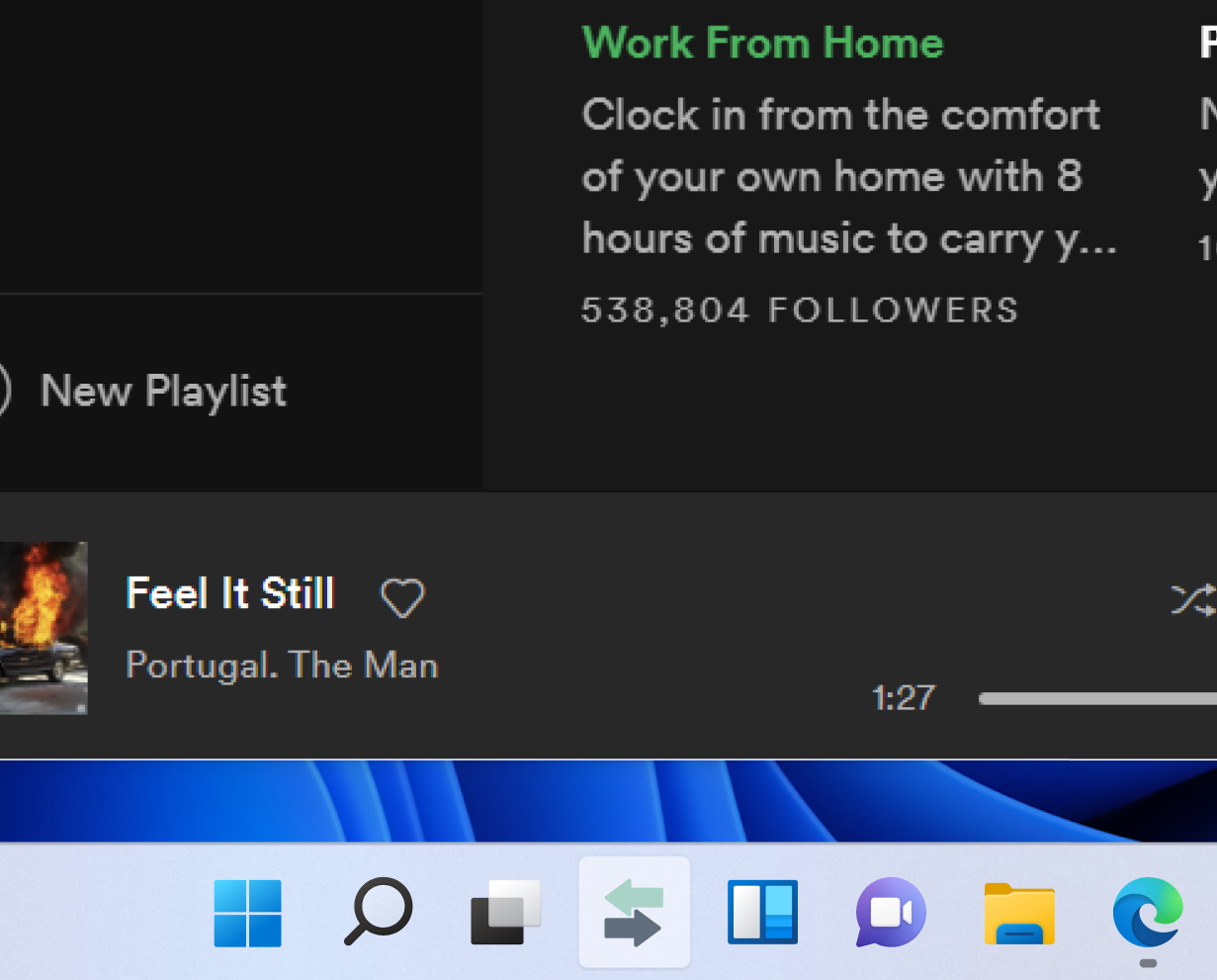
Concept 3: App Switching
User can switch between Cloud PC and local PC through an icon on the taskbar. The icon will appear in both environments allowing users to “round trip” via the same entry point quickly
Final design direction
Desktop switching - Full enumeration
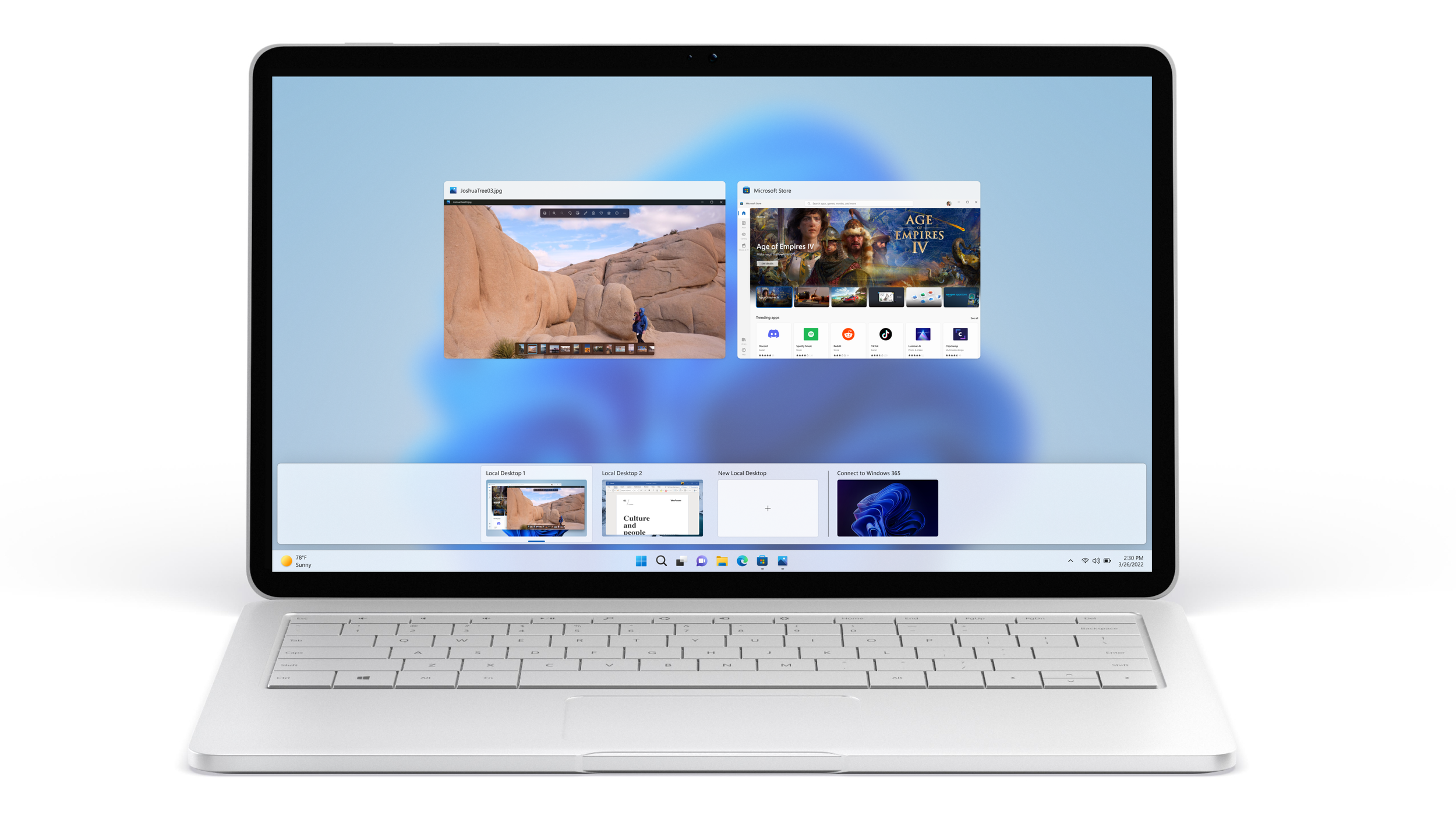
With multiple iterations of concepts and user studies, the final design is to provide the user with an extensive view of all local and cloud PCs inside the Task view feature. This allows for quick access to the specific desired desktop and enables the user to get back (round-trip) to their original desktop quickly.
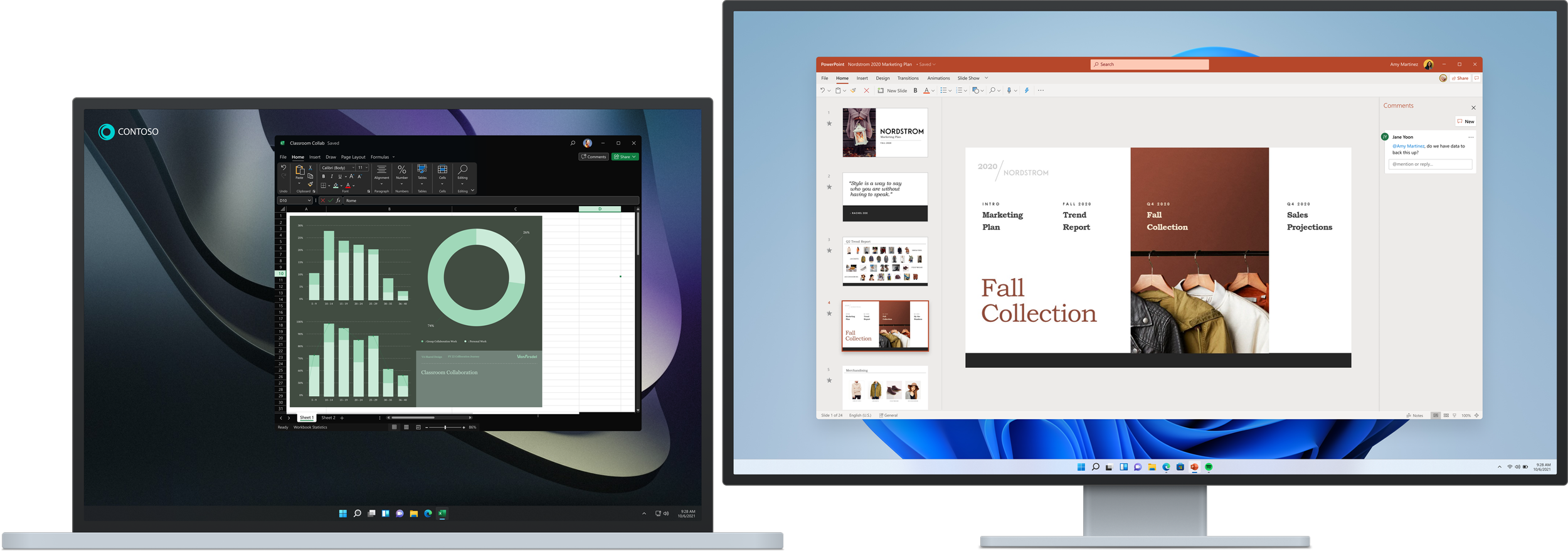
Desktop per monitor
With the monitor projection mode set as “extend”, the redesign experience will allow the user to set a specific desktop per monitor/screen. Allowing the user to have side by side experience and roam quickly between local and cloud PCs.
First Run Experience
Commercial users that do not have IT support and has their own devices will likely be going through this flow. Windows 365 will be integrated via the entry point of an email link. From there, users will go through a First Run Experience (FRE) and landed on the desktop with a tip on where the Windows 365 Cloud PC desktops is located.